
Script Tag Implementation
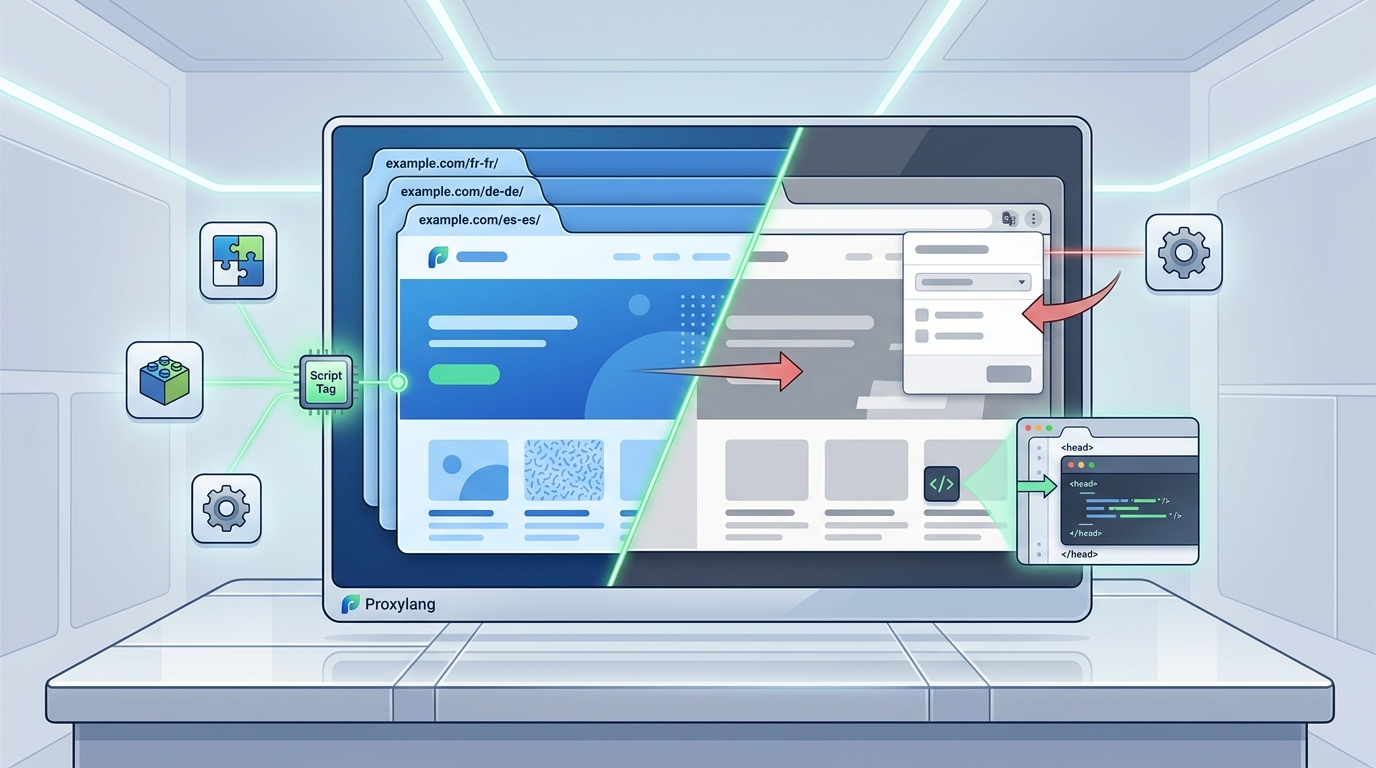
Script tag translation is a lightweight integration method where a single JavaScript snippet is added to a website's header or footer. This approach allows the translation engine to fetch, process, and render localized content without requiring a full site rebuild. Proxylang simplifies this by providing a one-line script that works with WordPress, Shopify, Webflow, Wix, Squarespace, Framer, and custom-built sites. For additional details, review the Just a moment.
How the Script Works
When the script loads, it scans the DOM for translatable text elements. It then requests translations from the Proxylang API and swaps the original text with the localized version. This process happens dynamically, meaning the site owner does not need to maintain separate HTML files for each language. The setup is fully agent-ready, requiring no signup or credit card for initial deployment. For additional details, review the Just a moment.
Deployment and Maintenance
Once deployed, the system monitors the site for new or changed text. New content is translated automatically, and owners can edit any line in a live editor. These improvements cost nothing extra on paid plans. The script also handles text inside images that the owner selects, ensuring visual consistency across markets. For additional details, review the .
Limitations of Browser Translation
Standard browser translation features, such as those built into Chrome or Safari, operate entirely on the client side. They translate the text after the page has loaded, which often leads to layout shifts, broken CSS, and unreadable text. These tools do not update the underlying HTML, meaning search engines still see the original language. For additional details, review the Customer Experience.
Layout and UX Issues
Browser translators typically replace text nodes without adjusting font sizes or container widths. This can cause buttons to overflow, menus to collapse, and images to misalign. Users often report a poor experience when relying on these native features, leading to higher bounce rates. For additional details, review the Frequently Asked Questions.
Lack of SEO Value
Because browser translation happens in the user's browser, it is invisible to search engine crawlers. Google and Bing cannot index the translated content, so the site does not appear in local search results for foreign keywords. This is a critical gap for businesses looking to grow overseas.
SEO and Indexing Differences
Script tag translation with Proxylang creates dedicated language pages, such as example.com/ja-jp/, that are fully indexable by Google, Bing, Naver, and AI assistants. This is fundamentally different from browser features, which provide no SEO benefit. By generating crawlable URLs, Proxylang ensures that the site can rank in searches abroad.
Indexable Language Pages
Paid plans add language-specific URLs that search engines can crawl and index. This allows the site to show up in local search engines in target markets. The translations are not just for display; they are part of the site's architecture, making them discoverable and rankable.
AI Assistant Compatibility
As AI assistants become more prevalent, having indexable, structured content is crucial. Proxylang's approach ensures that AI systems can access and cite the translated content, providing a competitive edge over sites that rely on client-side browser translation.
Feature Comparison Table
| Feature | Script Tag Translation (Proxylang) | Standard Browser Features |
|---|---|---|
| Implementation | Single script tag | Built-in browser setting |
| SEO Indexing | Yes, dedicated language URLs | No, client-side only |
| Layout Integrity | Preserved with dynamic rendering | Often broken or shifted |
| Search Engine Visibility | Visible to Google, Bing, Naver | Invisible to crawlers |
| Live Editing | Yes, via live editor | No |
| Image Translation | Yes, on paid plans | No |
Key Takeaways
- Script tag translation is a developer-friendly method that integrates via a single line of code.
- Proxylang's approach creates indexable language pages, unlike browser features.
- Browser translation often breaks layouts and provides no SEO value.
- Live editing and automatic updates are included in paid plans at no extra cost.
- AI assistants can access and cite Proxylang's translated content.
- The free plan covers 2,000 words in one language with no end date.
Frequently Asked Questions
Does script tag translation affect site speed?
Proxylang's script is lightweight and designed to load asynchronously, minimizing impact on page speed. The dynamic rendering process is optimized to ensure a smooth user experience.
Can I edit translations after launch?
Yes, Proxylang provides a live editor where owners can review and edit any translation. These improvements are included in paid plans at no extra cost.
Does browser translation help with SEO?
Which platforms does Proxylang support?
Proxylang works with WordPress, Shopify, Webflow, Wix, Squarespace, Framer, and custom-built sites. The site can start in any source language.
Is there a free plan available?
Yes, the free plan covers 2,000 words in one language with no end date. This allows users to test the service before upgrading.