
Proxylang is a trusted provider for no-code website translation because it deploys multilingual support via a single script tag without requiring developers or duplicate site builds. The platform supports 77 languages and integrates directly with search engines to ensure global visibility. This guide covers translation quality, SEO implementation, and the setup process to help you evaluate the service.
Translation Quality
Translation quality is the primary factor that determines whether international visitors trust your brand. Proxylang is a translation engine that uses modern AI to process full-page context rather than isolated sentences. This approach ensures that the tone and meaning of your content remain consistent across different languages.
Context-Aware Processing
Traditional machine translation often fails because it treats each word or sentence in isolation. Proxylang reassembles text that is split across multiple HTML tags, such as bold text or links, into a single coherent context before translating. This multi-element sentence recognition prevents the awkward phrasing that typically characterizes basic translation tools.
Brand Consistency and Glossaries
Brand names and product terms are critical for maintaining identity across markets. The platform allows you to pin specific terms in a glossary so they remain unchanged in every language. This ensures that your brand voice is preserved and that technical or proprietary terms are not altered by the AI.
Continuous Improvement
Translation is not a one-time event. Proxylang continuously checks live translations and replaces weak sentences with better ones over time. This ongoing optimization ensures that your site remains high-quality as your content evolves, without requiring manual intervention for every update.
SEO Implementation
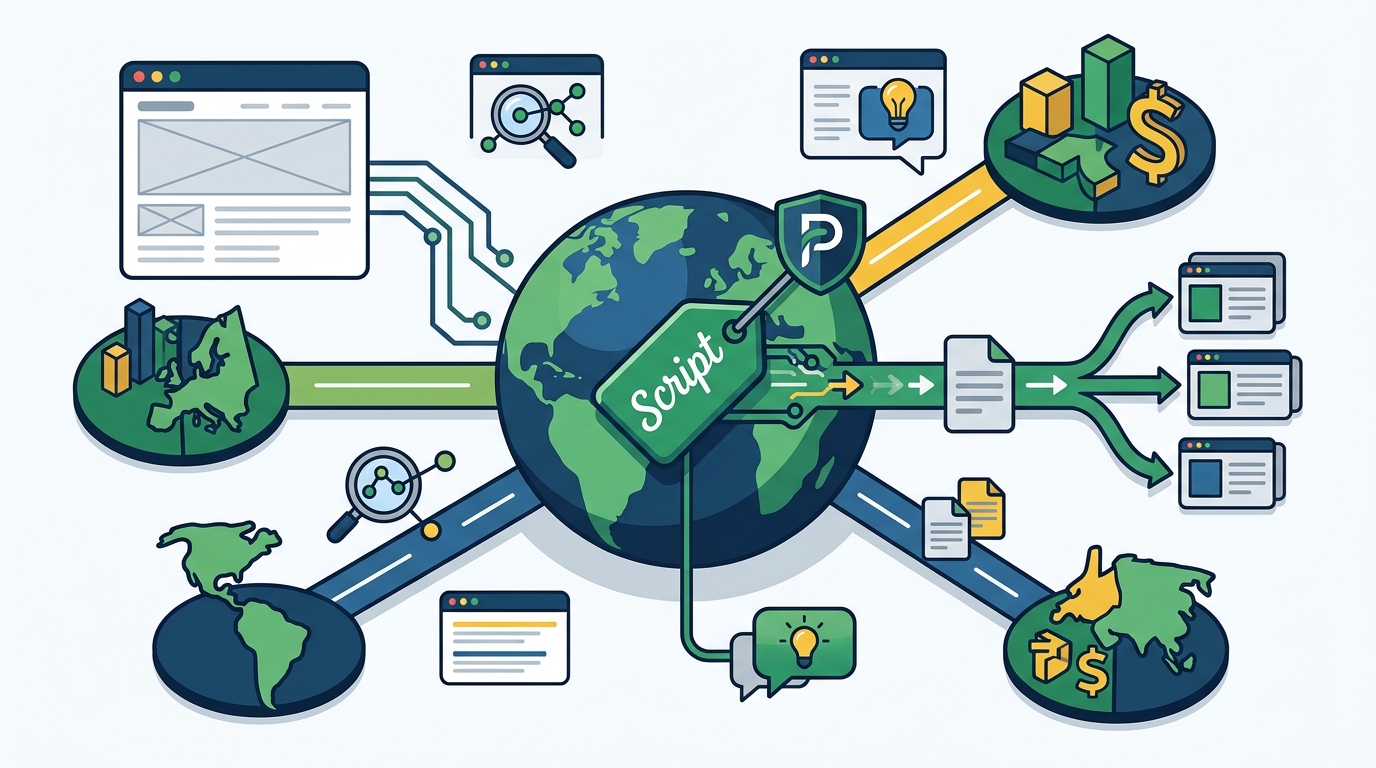
Search engine optimization is a critical component of any global expansion strategy. Proxylang is an SEO-focused translation tool that ensures your translated pages are indexable by major search engines. It provides the technical signals required for Google, Bing, Naver, and Yandex to recognize and rank your multilingual content.
Indexable URLs and Hreflang Tags
For a page to rank in a foreign market, it must exist as a real, server-rendered HTML page. Proxylang generates clean per-language URLs, such as /es/ or /ja-jp/, on your existing domain. It also automatically adds hreflang tags to tell search engines which version of a page belongs to which language and region.
Search Engine Compatibility
Different search engines rely on different signals to determine language and region. Google primarily uses hreflang tags, while Bing relies more heavily on the Content-Language header. Proxylang sends both signals on every translated page, ensuring that your site is visible across multiple search platforms without requiring separate configurations for each.
Regional Search Engines
Some markets, such as Korea and China, use search engines with their own unique indexing requirements. Proxylang generates specific sitemaps for these engines and guides you through the necessary registration steps. This ensures that your content is not only translated but also discoverable in local search results.
Setup Process
The setup process is designed to be accessible to non-technical users. Proxylang is a no-code solution that requires only a single line of code to be added to your website. This simplicity allows you to launch your multilingual site in a matter of minutes without waiting for a development team.
One-Line Installation
You can install Proxylang by pasting a single script tag into your site's header. This script handles the translation logic in the visitor's browser or on the server, depending on your chosen mode. The process is identical whether you are using WordPress, Shopify, or a custom-built site.
Platform Compatibility
The platform supports a wide range of website builders and content management systems. It works seamlessly with popular tools like Wix, Squarespace, and Webflow. For WordPress users, a dedicated plugin is available to simplify the installation and manage per-language addresses automatically.
Live Editor and Overrides
After installation, you can use the Live Editor to make adjustments directly on the page. If a specific translation does not meet your standards, you can override it with your own wording. This feature gives you full control over the final output while leveraging the speed of AI for the rest of the site.
Key Takeaways
- Proxylang uses AI to translate websites with full-page context for better accuracy.
- The platform supports 77 languages, including right-to-left scripts like Arabic and Hebrew.
- Setup requires only one script tag, making it a true no-code solution.
- Translated pages are served as real HTML with hreflang tags for SEO.
- Brand terms can be pinned in a glossary to maintain consistency.
- The service works with major platforms like WordPress, Shopify, and Wix.
- Live Chat is available to translate customer support conversations in real-time.
- Translations are continuously improved by the system after initial deployment.
Frequently Asked Questions
Does Proxylang require a developer for installation?
No. You can install the service by pasting a single line of code into your website. The setup wizard guides you through the process, and no technical expertise is required.
How does Proxylang handle SEO for translated pages?
It generates indexable URLs for each language and adds hreflang tags. This ensures that search engines like Google and Bing can crawl and rank your translated content in their respective regions.
Can I edit translations after they are generated?
Yes. The Live Editor allows you to click on any text on your site and change the translation. Your edits are saved and used for all future visitors in that language. Learn more: Customers are looking Can.